
Ungraded Cards
Photograph your raw cards and we identify them, price them and build the listings.
What it does
- •We read the front of the card to identify it, then fill in the title, details and price.
- •1 credit per card. An active Unlimited plan is never charged.
- •Printings like reverse holo are not separate cards in our database - you set them as a variant on the card we found.
Start to finish
1. Upload your photos
Dashboard > Ungraded Cards- •Tell us how many photos per card first. 1 Image is front only, 2 Images is front and back, and Custom is any number you set.
- •Your file count has to be a multiple of that number, so the photos split into cards correctly. Up to 500 cards or 1,000 files at a time.
- •Then drag and drop, or click to upload.
- •We match on the first image. With more than one photo per card, make sure the front is the one sitting first.
- •JPG, PNG, WebP, JFIF or HEIC. Photos are compressed to under 4 MB before they upload. If any file cannot be processed, none of the selection is added - fix or remove that file and pick the batch again.
- •Auto Crop for Phone Images helps matching on photos with a lot of background. Leave it off for photos that are already cropped.
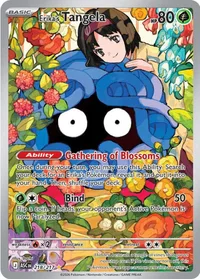

2. Set the variant where one applies
- •Open the card and click the variant you want in the variants column. That saves it against the card.
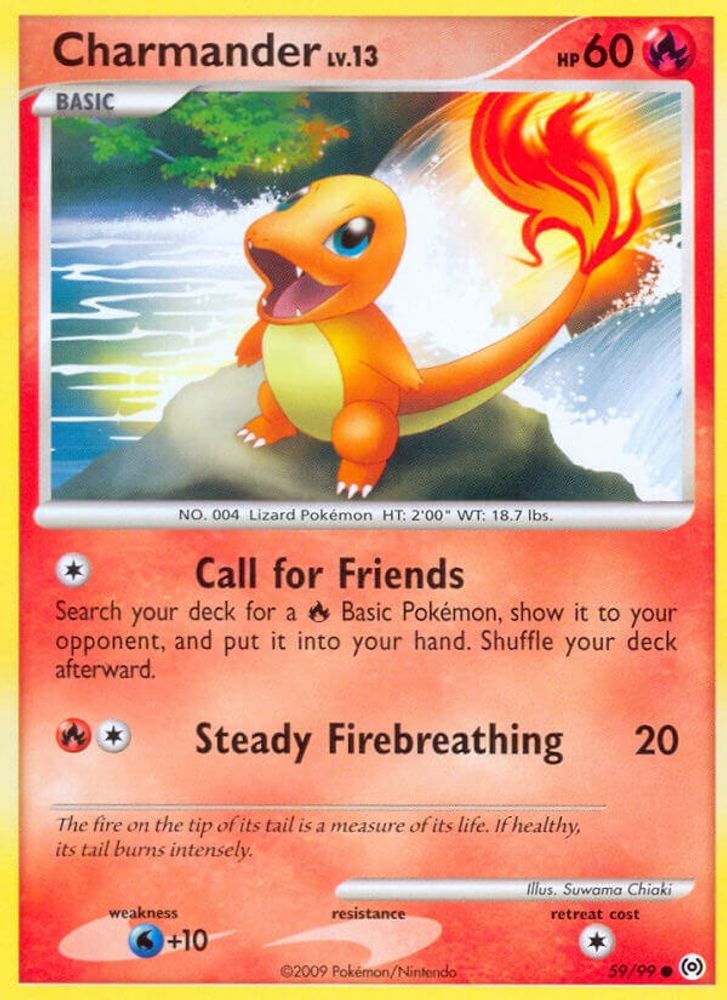
3. Price them
- •Automatic Pricing fills prices from your first and second choice - previous price, or TCGplayer with your multiplier.
- •If neither has data, the job's set price is used, or the field is left empty.
- •eBay Listed opens active listings; click a price to drop it in, click the shipping price to add it on top.
- •eBay Sold opens completed sales for that card in your region.
4. Check the warnings, then export
- •The warning indicators jump you to cards with an empty price or a title over 80 characters.
- •Cards export in the order they appear, and anything deleted is left out.
Variants
- •Open the card and click the variant you want in the variants column. That saves it against the card.
- •We only hold the normal version's photo. Reverse holo, reverse foil and the rest have no photo of their own.
- •Card missing entirely, not just a printing? Open the match modal and press Report Issue. You get the credit back, and missing cards are usually added within 48 hours.
On the results page
Working through a batch
- •Sort by Title, Title length, Price, TCGplayer price, SKU, Card #, Set, Rarity, Quantity or Artist. The order holds still while you edit, and sorts again when you change the sort or add or remove a card.
- •Bulk Edit sets prices, conditions, SKU prefixes with auto-increment, store categories, variants and item specifics across many cards.
- •Tools > Manage Duplicates finds copies of the same card and can combine them - see the duplicates guide.
- •Tick Multi-edit in the Manage Duplicates panel and a price change on one card applies to every duplicate of it.
Images
- •Up to 12 per card. Add with +, replace by clicking one, or delete - but every card keeps at least one.
- •Images are compressed, and watermarked if you have that turned on, before they upload.
Exporting
| Tab | What it exports |
|---|---|
| eBay Auctions | Auctions with a duration and start time, set globally or per card. |
| eBay Fixed Price | The standard listing: details, images, pricing and item specifics. |
| eBay Variation | One listing with every card as a variation. See the variation listings section. |
| Shopify | Export Shopify for a full product import, or Export Shopify Inventory to update existing products. |
| Whatnot | A CSV ready for Whatnot. |
| TCGplayer | Export TCGplayer CSV, or Export Per-Card CSV (Custom SKUs) for one row per copy under your own SKUs. |
| Mana Pool | Export Mana Pool CSV. Matched on the TCGplayer SKU. |
| Misprint | No file. Misprint lists by sync - use Add to inventory. |
| Storefront | No file. Shown when your storefront is on - Add to inventory with Storefront on puts the cards in your store. |
| Extras | Export Basic for a generic CSV, plus Export Cardmarket via TCGPowerTools (beta), Export Tradera XLSX, Export MercadoLibre CSV and Export Trade Me CSV (Tradevine). |
Variation listings
- •One eBay listing with a dropdown of cards, instead of one listing per card.
- •Export a batch on the eBay Variation tab to build one.
- •The whole flow, including what not to do with them, is in the Automatic eBay Inventory guide.